

dots
Optimizing the songwriter's workflow
Role
Product Design
Full Stack
Tools
Web Audio API
Next.js
Platform
React Web App
Tags
Audio Processing
APIs
UX of AI
Overview

This is what my desk looks like during an average writing session: voice notes opened on my phone, FL Studio displayed on my monitor, and Kontakt opened on my MIDI keyboard. My laptop screen has Google keep notes for lyric ideas and Rhymezone on split screen. Not to mention the an audio interface, microphone, headphones, a capo, and guitar picks on my desk. I'll also probably have a guitar on my lap.
dots is the solution for the songwriters cluttered desk: an all-in-one songwriting web app. It's an infinite musical idea board that combines composition, note-taking, and media tools in one persistent creative workspace.
On an infinite interactive canvas, users can place multifunction sticky notes—rich text, audio/video recordings with transcription, virtual instruments (keyboard and drums), metronome, and a tuner.
User pain points
Here are some pain points I compiled from interviews. I interviewed both professional and hobbyist songwriters and producers.

Pain Point 1
Ideas stored in different apps & devices
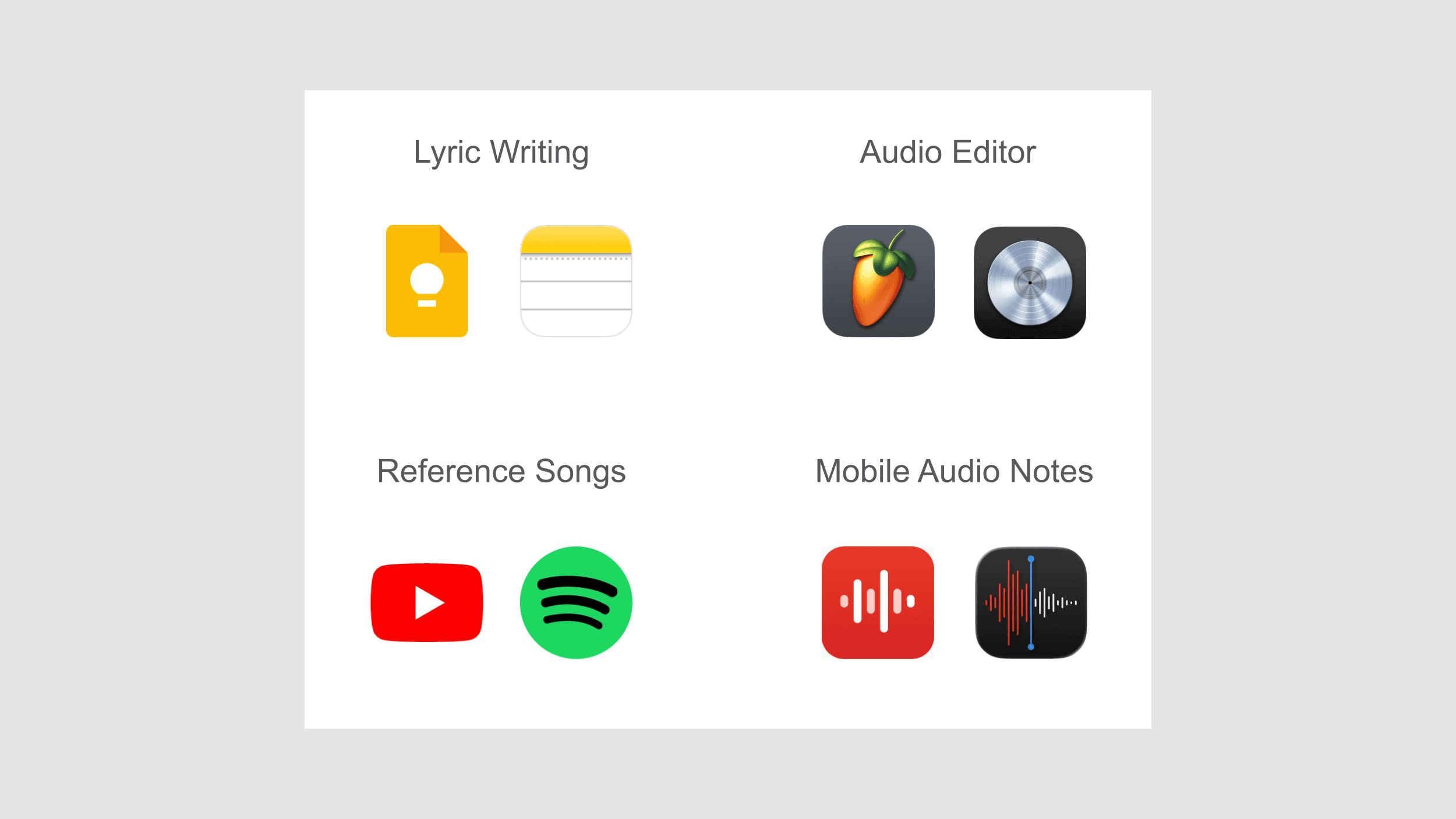
Song ideas are often scattered across multiple apps and devices. I have audio notes stored in my voice notes app on my phone, lyric ideas on Google Keep, harmony and chords in my DAW, and video recordings for guitar parts elsewhere. Note that these are the tools I use just during the ideation of the song, not actually producing or recording it.
Pain Point 2
Too many files
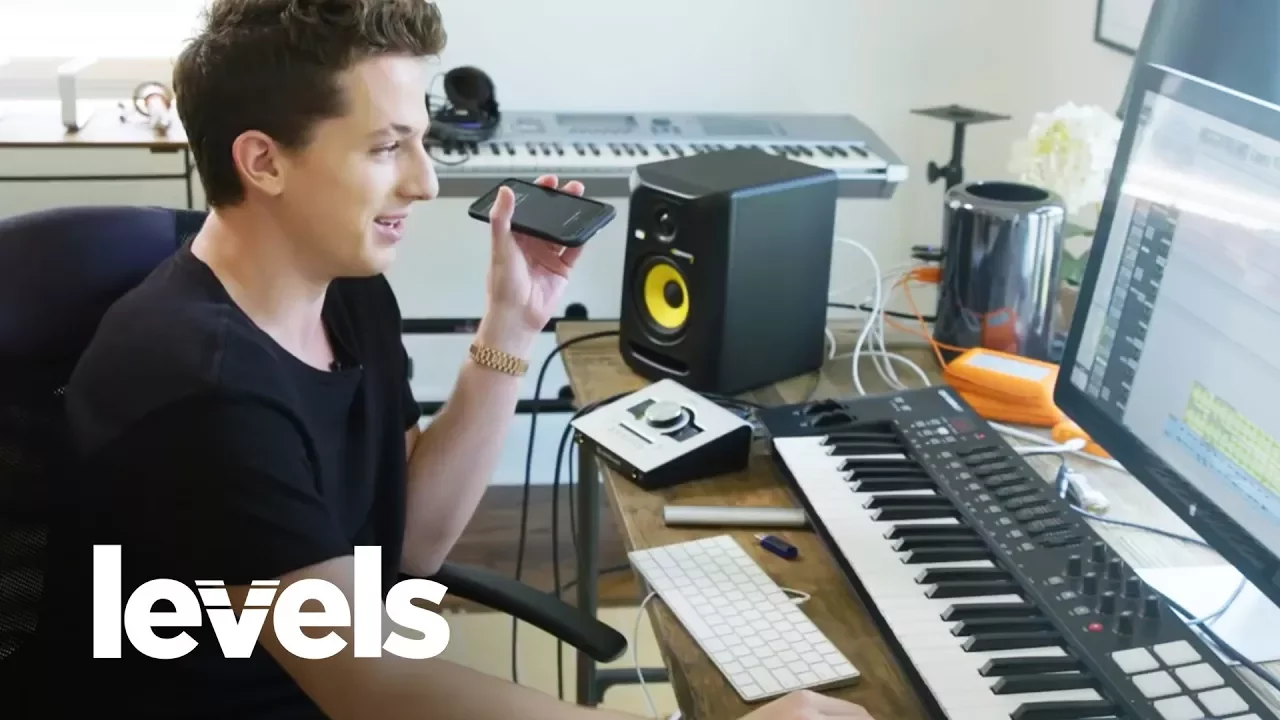
A 2017 viral video from Rolling Stone features Charlie Puth showcasing his songwriting process. In the video, Puth scrolls through various song ideas before clicking on one and saying, “I wonder if this is the track.”
My interviewees empathize with that experience. Across all the different software and apps they use to capture ideas, they've accumulated thousands of snippets: three-word lyric lines, two-second audio clips, four-bar drum loops. Most are in unnamed files.
Pain Point 3
Non-linear workflow
Here’s an example of a note I worked on. The blank lines are irregular, random words are thrown in, and some lines are repeated. It’s a mess.
Songwriting is rarely a linear process. You don’t simply move from top-to-bottom as if you’re writing a quick email. It’s non-linear: you might jump back to the first line, skip ahead to the second pre-chorus, then circle back to the first verse. Traditional text editors aren’t well-suited for this kind of workflow.
Solutions
Solution 1
White board interface
Instead of being trapped in a rigid document or folder system, the user has an open canvas where any type of idea—lyrics, chord progressions, audio snippets, videos, or references—can be placed anywhere. Each idea appears as a movable sticky note or card, so the user can freely rearrange them to group related concepts, map out song sections, or experiment with structure.
This mirrors how many musicians brainstorm—scattering ideas, shifting them around, and finding relationships visually.
Solution 2
Swiss Knife—but not too much
Simple music tools are provided in the sidebar. Every tool is represented with musician-friendly icons. The focus is on streamlining the creative process—providing just the right set of essentials to move ideas from mind to page (or screen) without friction.
Metronome with tempo tapper – determine and lock in the song’s BPM |
Drum machine – create and experiment with basic beat patterns |
Keyboard – play and record simple melodic or harmonic parts |
Tuner – keep instruments perfectly in tune before recording |
Solution 3
Cloud-Based, accessible anywhere
A cloud-based songwriting app keeps every idea—lyrics, audio, video, and sketches— accessible from any device. This removes the need for juggling between phones, laptops, or tablets and sending yourself files through Airdrops, emails, or messages. This reduces downtime and preserves creative flow.
Takeaways
Although relying on mental models can often be important in UX design, it can also be helpful to not rely on the traditional, more expected, interfaces for a certain cases. All music creation software have the same horizontal linear structure similar to a video editing tool. Although this works for more detailed work when trying to capture an entire song in a linear fashion, going for a completely new outlook has proven to be useful in the case of dots.
dots reduces cognitive load by consolidating scattered files, voice notes, and text snippets into a single visual system of movable cards, allowing songwriters to focus on creativity rather than organization. To support the way songwriters naturally work—jumping between fragments and sections—it offers a flexible whiteboard-style canvas instead of a rigid, linear structure. This approach is complemented by an intentionally compact toolkit that provides just enough versatility to capture lyrics, chords, beats, and riffs without overwhelming users or disrupting creative flow.